Paste an image straight into DataDeck
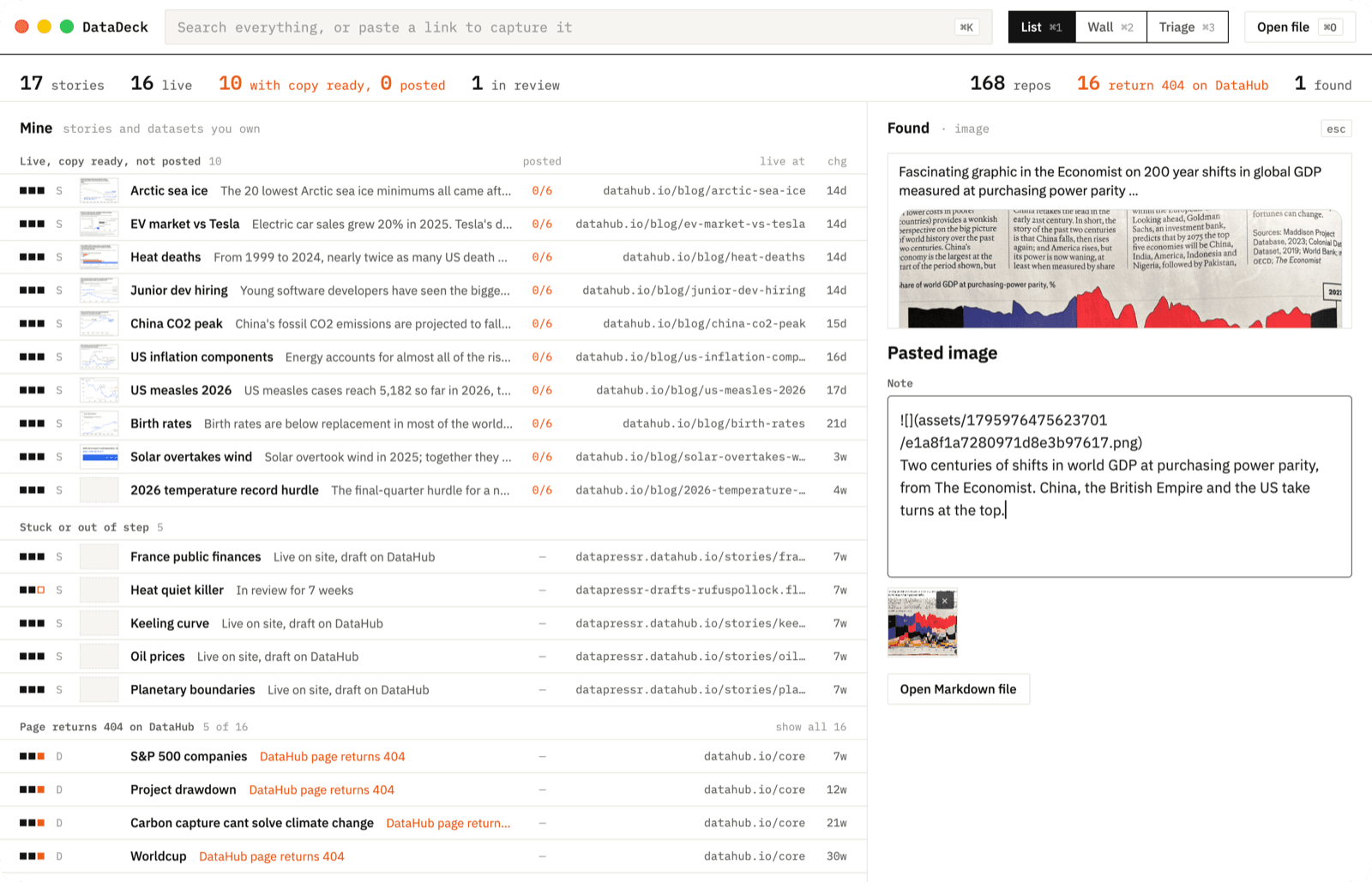
Copy a screenshot or an image and press ⌘V on the Deck: it becomes a Found card of its own, no link needed, with its note open for typing. With a capture's note open, ⌘V adds the image to that capture instead. Images are kept in the capture's own assets/ folder and linked from its Markdown note, and show as small tiles under the note that you can open or remove.